When children are ready to learn formal typing
Developmental readiness for formal typing involves three components: sufficient hand size to reach the keyboard without uncomfortable stretching, fine motor control to target individual keys reliably, and reading fluency strong enough to process typed text as feedback. Most children develop this combination between ages seven and nine, though the range is wide — some capable children are ready at six, others benefit from waiting until ten or eleven.
Before formal typing instruction begins, casual keyboard interaction is entirely healthy and beneficial. Young children who freely play on keyboards — typing names, experimenting with letters, or playing simple educational games — build keyboard familiarity and fine motor awareness that makes formal instruction later much easier. The key is not to rush structured learning before the physical and reading foundations are in place.
Recommended session length by age
Ages 7–9: Five to ten minutes per session, up to three times per week. Children in this age group fatigue quickly and lose focus rapidly. A single 1-minute typing test is often the perfect unit of practice — achievable, complete, and immediately rewarding with a result. Make each session feel like a small game rather than a lesson. Ages 10–12: Ten to fifteen minutes per session, four to five times per week. This age group can sustain focus longer and benefits from structured instruction using a tutorial. Introduce the concept of WPM as a personal score to beat, not as a comparison to others.
Ages 13+: Full adult practice protocols apply. Teenagers can handle twenty-minute focused sessions and respond well to measurable progress tracking. Many teenagers who have used hunt-and-peck since childhood become motivated to switch to touch typing when they understand the long-term speed advantage — particularly those who use laptops for school or gaming.
Making typing practice enjoyable for children
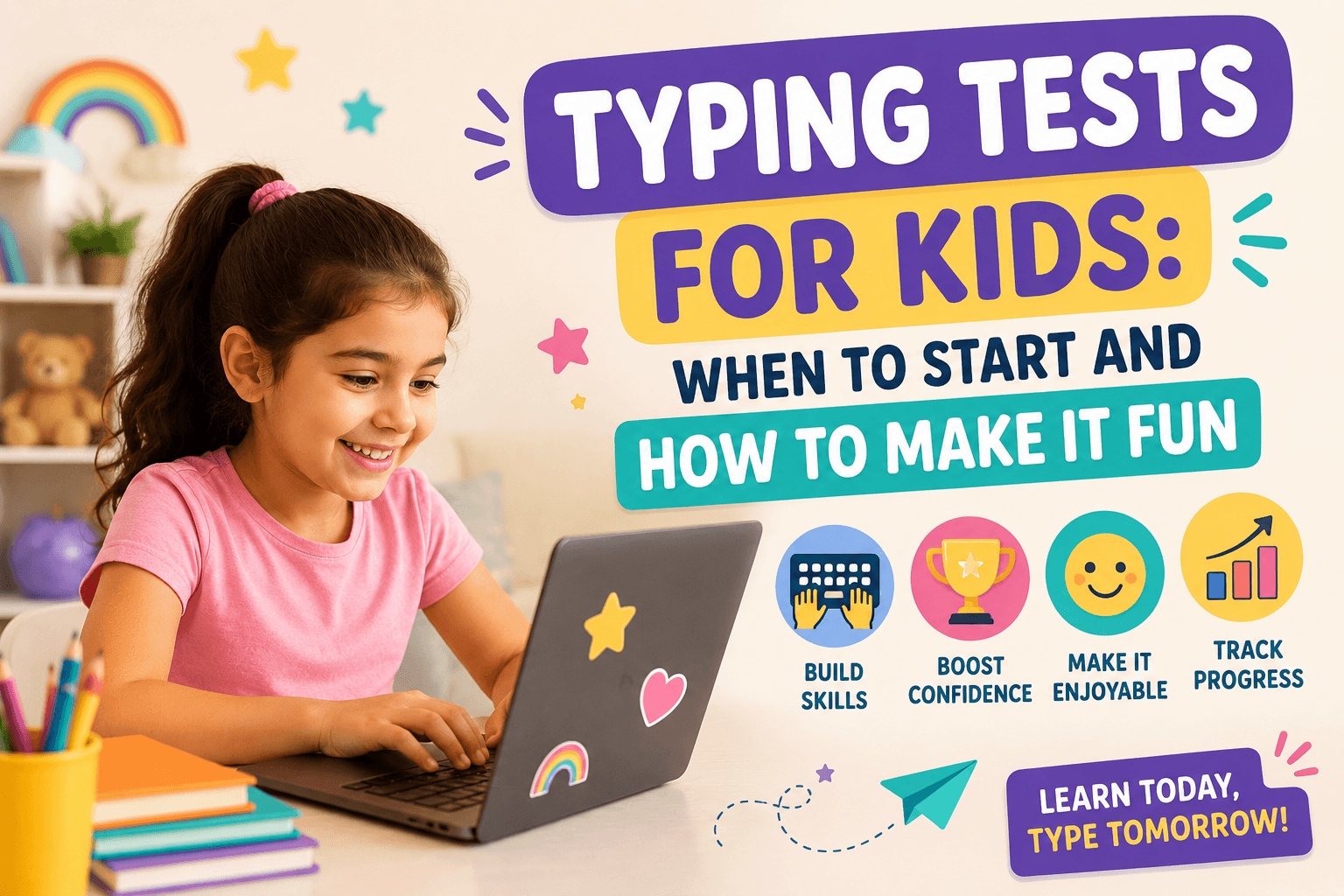
Gamification is the most effective tool for sustaining children's engagement with repetitive skill practice. Framing a 1-minute typing test as a personal score to beat — 'Can you type more words than last time?' — creates intrinsic motivation without comparison pressure. Celebrating milestones (first test over 20 WPM, first test with 90% accuracy, first test without looking at the keyboard) builds confidence and a positive association with practice.
For younger children, typing games can be a productive supplement to formal test practice. Games that require typing specific words or letters to interact with on-screen elements (such as shooting characters, catching falling words, or controlling movement) provide typing repetition in a context where the focus is on the game rather than the typing. TypingMonk offers typing games alongside the standard test, giving children variety within a single platform.
Teaching the home row to children
The home row (ASDF on the left hand, JKL; on the right) is the correct starting point for all typing instruction, including children. Begin by showing the child how to find F and J by feel (the raised bumps). Have them close their eyes, place their fingers on the home row, and verify by feel alone. This establishes the proprioceptive anchor that touch typing depends on. Practice resting on the home row and returning to it after each key before introducing any other keys.
For young children, a physical visual aid — a keyboard diagram printed on paper or displayed on screen — showing which finger covers which key is valuable. Color-coding the keyboard by hand (left hand keys in one color, right hand keys in another) helps children understand the division of the keyboard visually. The TypingMonk tutorial provides guided finger placement instruction alongside practice exercises.
Typing as part of school routine
Integrating typing practice into the school routine rather than treating it as an extra activity significantly increases the rate of improvement. Even ten minutes of typing practice three times a week alongside regular homework adds up to over twenty-five hours per school year — more than enough to take a child from beginner to competent. Schools that incorporate typing instruction in computer labs see measurable improvement by the end of the year even with limited practice time.
For home use, pairing typing practice with other screen time — starting homework with a quick typing test, or doing five minutes of practice before streaming — normalizes it as part of the digital day rather than a chore. The Dashboard on TypingMonk saves results locally so parents can check progress without an account, and children can see their own improvement chart over weeks and months.
Age-appropriate WPM expectations
It is important not to apply adult WPM benchmarks to children's practice. A 9-year-old typing at 15 WPM with 90% accuracy using the correct finger placement is doing extremely well — do not introduce the context that 15 WPM is 'slow' by adult standards. A 12-year-old at 25–30 WPM with good form is on track to reach competent adult speeds within two years of continued practice. A 15-year-old at 45–50 WPM who has been using touch typing for two years is ahead of the average adult.
The most important outcome for young typists is not the WPM number at any given moment — it is whether they are building the right technique. A child with correct touch-typing form at 20 WPM will naturally accelerate to 50–70 WPM in the coming years. A child using two fingers at 30 WPM has a lower ceiling and a harder eventual transition. Technique always takes priority over speed at the learning stage.
Put it into practice
Take a free typing test and see your WPM right now.
Comments
Sign in to leave a comment.