The origin of QWERTY and its myths
QWERTY was designed in the 1870s for the Sholes and Glidden typewriter. The popular myth is that it was deliberately designed to be slow in order to prevent mechanical jamming. The reality is more nuanced: QWERTY was designed to separate commonly paired letters to reduce jams on the mechanical mechanism, but was not intentionally optimized for slow typing. Many of the letter placements that feel awkward to modern touch typists were functional decisions for the mechanical constraints of early typewriters.
QWERTY's dominance is a result of the QWERTY typewriter's commercial success, the training ecosystem that grew around it, and the network effects of a skill shared by millions of typists. Once touch typing on QWERTY became the standard, switching costs became extremely high for individuals, employers, and institutions — regardless of whether an alternative layout might be marginally more efficient.
What Dvorak was designed to do
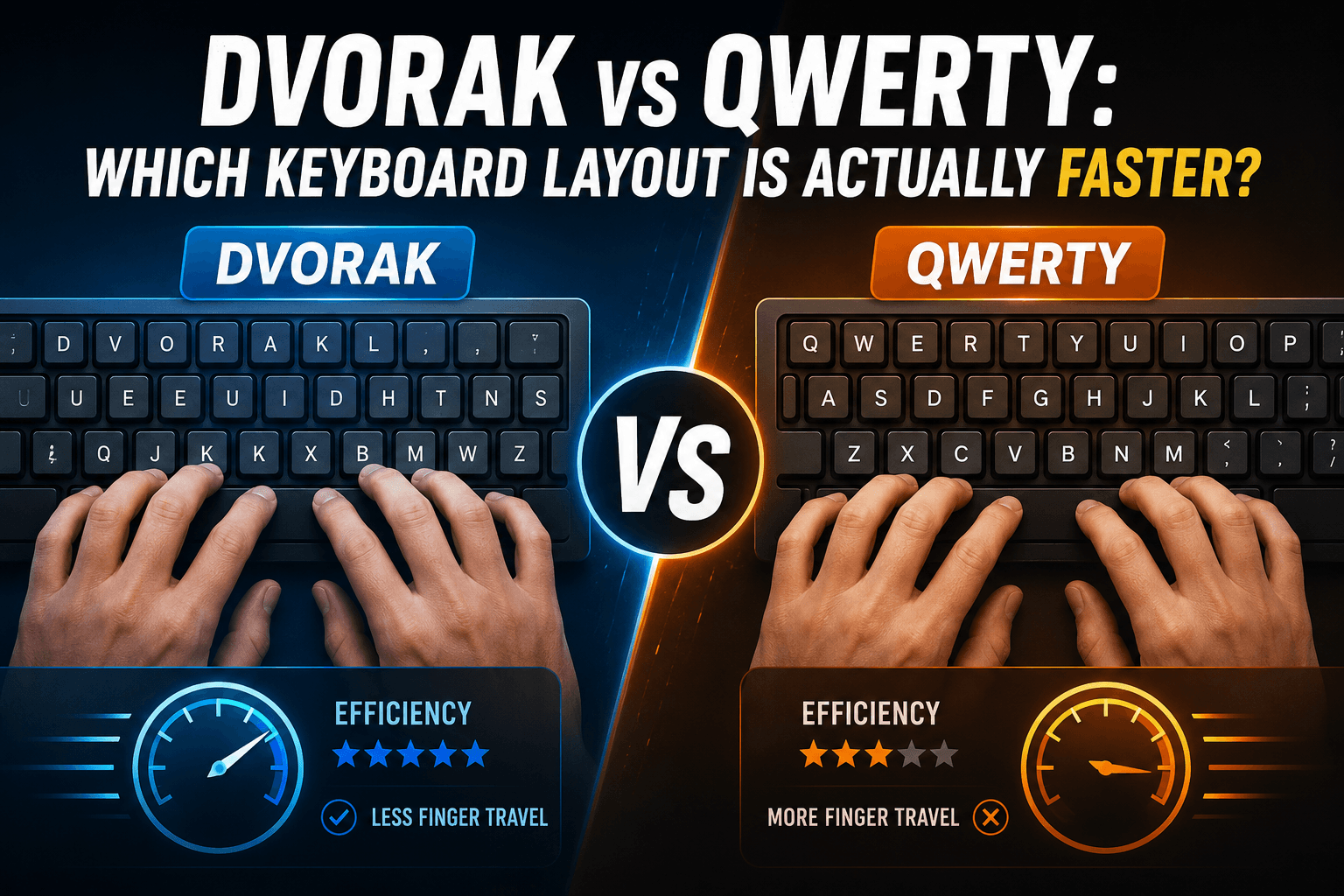
August Dvorak and William Dealey designed the Dvorak Simplified Keyboard in the 1930s based on principles of letter frequency in English and ergonomic finger load distribution. The layout places the five vowels (A, O, E, U, I) on the left home row and the five most common consonants (D, H, T, N, S) on the right home row. The goal was to have about 70% of typing occur on the home row, compared to roughly 32% on QWERTY. The result is less total finger travel and more typing done on the strongest, most central fingers.
Dvorak also aims to alternate hands for successive keystrokes more often than QWERTY — the theory being that one hand can be in motion while the other is landing, enabling faster theoretical burst speeds. Whether these design principles translate into real-world speed advantages for the average typist is where the evidence becomes genuinely complicated.
What the research actually shows
The most-cited study is a 1944 U.S. Navy study funded by the Navy and conducted by Dvorak himself — which found large advantages for Dvorak. The methodological conflict of interest makes this study unreliable as sole evidence. A more rigorous 1956 study by Strong found much smaller differences. The General Services Administration (GSA) conducted a study in the 1970s and found essentially no meaningful speed advantage for Dvorak over QWERTY for trained typists.
More recent research, including a 2010 ergonomics analysis, confirms that Dvorak does reduce finger travel and improve home-row utilisation compared to QWERTY — the biomechanical claims are valid. But translating reduced finger travel into faster WPM is not automatic: skilled QWERTY typists have optimized their neuromuscular programs for that specific layout over years, and the biomechanical advantage of Dvorak is relatively small compared to the efficiency of a well-trained QWERTY program.
The real learning curve
Switching from QWERTY to Dvorak is a significant undertaking that should not be underestimated. Most experienced QWERTY typists who switch report a period of four to twelve months before they reach their former QWERTY speed on Dvorak — and some never fully close the gap. The learning curve is steeper for skilled typists because the relearning must overwrite deeply ingrained motor patterns, not just build new ones on a blank slate.
During the transition period, your QWERTY speed typically also suffers, as the two competing programs interfere with each other. If your job requires productive typing throughout the learning phase, switching cold-turkey can create real professional risk. Some typists switch gradually by using Dvorak for personal use and QWERTY for work, but this extends the learning period significantly.
Alternative layouts: Colemak and others
Colemak, designed in 2006, is a third option that changes only 17 keys from QWERTY compared to Dvorak's near-complete overhaul. This makes the learning curve shorter for QWERTY typists while still achieving better home-row utilisation than QWERTY. Workman, Programmer Dvorak, and other specialized layouts exist for specific use cases like programming or specific languages. If you are considering a layout switch, Colemak is worth researching as a middle-ground option.
For most typists — particularly those who are still in the early or intermediate stages of QWERTY touch typing — the most efficient path to higher WPM is continued QWERTY practice rather than a layout switch. The technique improvements available within QWERTY (correct finger placement, accuracy focus, progressive difficulty) typically offer more gain per hour of practice than a layout switch.
The verdict
Dvorak has genuine biomechanical advantages — less finger travel, better home-row utilisation, more hand alternation. But for the majority of typists who already have QWERTY muscle memory, the expected speed gain from switching to Dvorak does not justify the months of reduced productivity during the transition. The exception is typists who are still in the beginner or early-intermediate stage, have no firm deadline that requires fast typing, and are intrinsically motivated by the switch.
For everyone else, the most effective approach to faster typing is the same regardless of layout: structured practice with proper technique, accuracy prioritized over speed, and consistent measurement over time. A dedicated QWERTY typist practicing daily can comfortably exceed any WPM figure that an average Dvorak typist achieves — the technique and the practice hours matter far more than the key arrangement.
Put it into practice
Take a free typing test and see your WPM right now.
Comments
Sign in to leave a comment.