Why "just take a typing test" isn't quite enough
TypingMonk offers typing tests from 1 to 60 minutes, four difficulty levels, English and Hindi modes, 14 government exam simulations, five typing games, a daily challenge, and a structured tutorial. That range is a strength — but it can also leave you wondering where to start. The test that helps a 10-year-old build fundamentals is not the same one that helps an SSC CHSL aspirant hit 35 WPM under exam conditions.
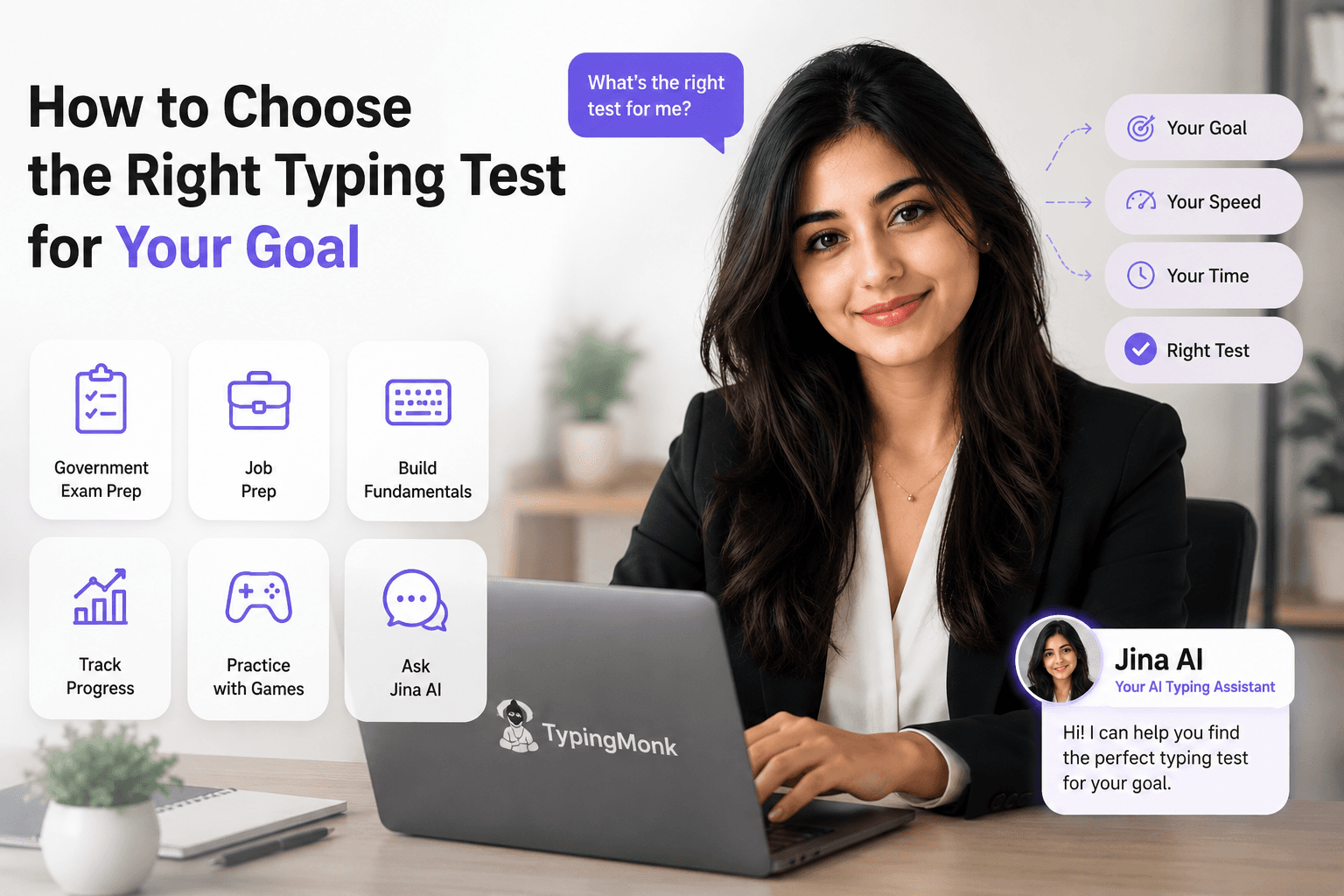
The good news: picking the right test mostly comes down to answering one question — what are you actually trying to achieve? Below is a practical breakdown by goal, plus a shortcut at the end if you'd rather just ask for a recommendation directly.
Goal: Preparing for a government exam
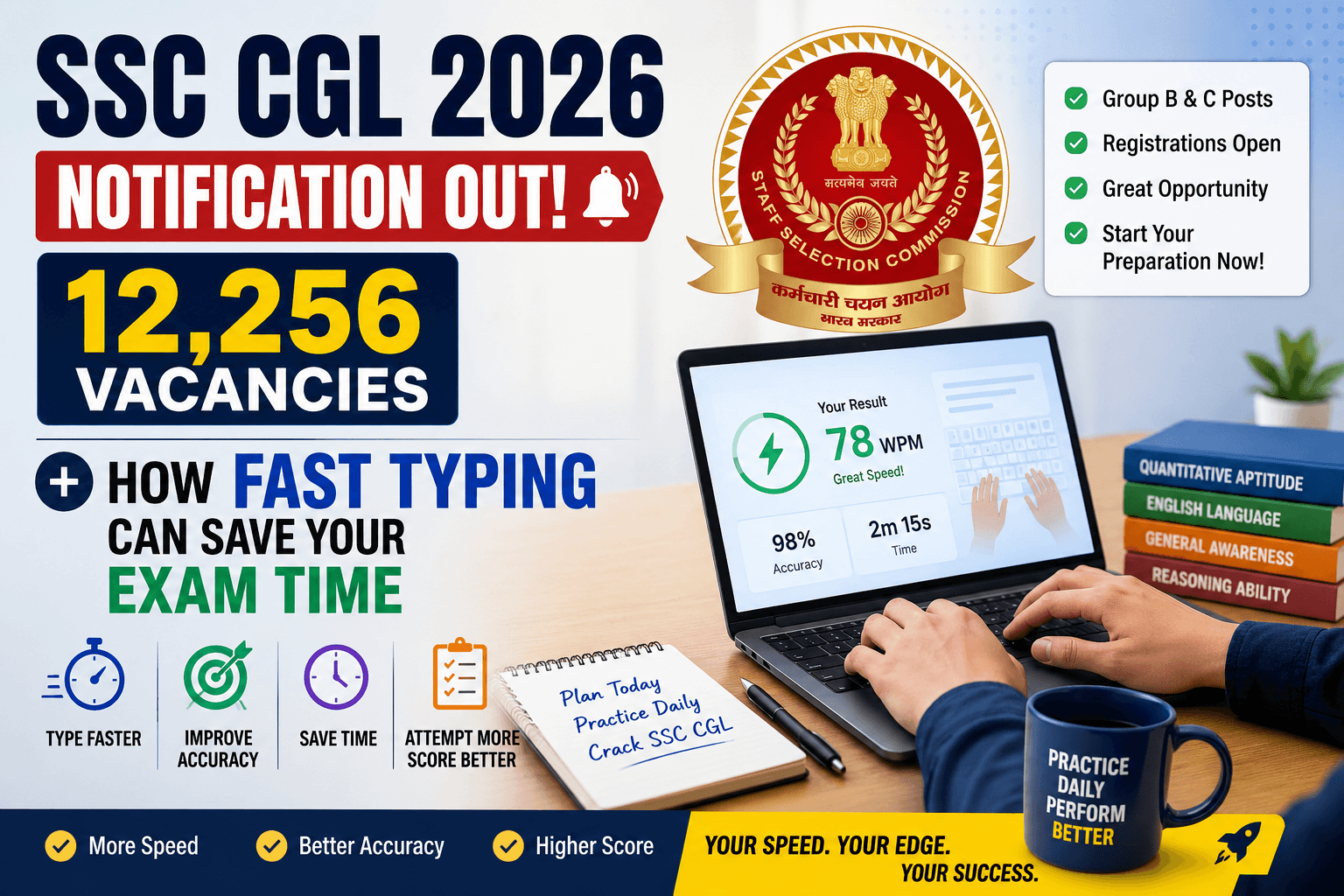
If you're aiming for a role that requires a typing skill test — SSC CHSL, SSC CGL DEST, RRB NTPC, UPSSSC, CPCT, a High Court clerk post, IBPS, or similar — generic practice tests won't fully prepare you. Each exam has its own qualifying speed, duration, error tolerance, and even software interface quirks (for example, several Indian government exams run on TCS iON and have specific backspace rules).
TypingMonk's [exam simulations](/typing-tests) are built to mirror these formats — same duration, same passage style, same scoring approach — so the number you see in practice is close to what you'd get on exam day. Start there instead of a generic timed test, and revisit the simulation regularly in the weeks before your exam so the format stops feeling unfamiliar.
If your exam requires Hindi typing (Mangal/Unicode or Kruti Dev), don't skip practicing in that script — switching from English to Hindi mid-prep is its own adjustment. The [Hindi typing test](/hindi-typing-test) shows both WPM and KDPH (key depressions per hour), which is the metric most Indian government exams actually use to qualify candidates.
Goal: Preparing for a job that requires a typing test
Many data-entry, clerical, and administrative roles list a minimum WPM (commonly 35–60) as part of the hiring process. Here the goal is consistency under pressure, not a one-time high score. Pick a test duration close to what the employer uses — a 5-minute test is the most common real-world benchmark — and a difficulty level that pushes you slightly past your comfort zone without causing a wall of errors.
Run the same test repeatedly over a couple of weeks rather than chasing variety. Watch your accuracy first; speed that comes with a high error rate won't help you pass a real assessment. The [typing test](/typing-test) lets you fix duration and difficulty so you can build that repeatable routine.
Goal: Building fundamentals as a beginner
If you're new to touch typing — or relearning it properly — resist the urge to start with a hard, long test. You'll mostly measure frustration, not progress. Begin with the [typing tutorial](/tutorial), which walks through home row, top row, bottom row, numbers, and symbols in order, building muscle memory one row at a time.
Pair that with short, easy-difficulty tests (1–3 minutes) so you can apply what you just learned without it feeling like an exam. Once your accuracy is consistently above 90% on easy mode, step up to medium difficulty and slightly longer durations — and only then start chasing speed.
Goal: Tracking progress over weeks or months
A single test result is a snapshot; what actually shows whether you're improving is the trend. Sign in with Google to unlock your [dashboard](/dashboard), which charts your WPM and accuracy over time, tracks your daily streak, and (optionally) reminds you by email so a busy week doesn't quietly turn into a month-long gap.
For an extra nudge, the [daily challenge](/daily-challenge) gives everyone the same paragraph each day and ranks results on a shared leaderboard — a low-effort way to stay consistent and see how you compare with other TypingMonk users.
Goal: Practicing without it feeling like a chore
Not every session needs to be a measured test. TypingMonk's five [typing games](/typing-games) — Speed Burst, Word Rain, Zombie Defense, Type Racer, and Ghost Writer — turn the same finger-memory practice into something closer to play. They're a good fit for days when you want to stay sharp without the pressure of a scored result, or for younger typists who respond better to game mechanics than timers.
Not sure which of these describes you? Ask Jina
If you've read this far and still aren't sure where to start — or your situation is a mix of a few of the above — that's exactly the kind of question [Jina AI](/jina-ai) is built to answer. Jina is TypingMonk's built-in assistant: tell her your current speed, your goal, and how much time you have, and she'll point you to a specific test, exam simulation, or tool with a direct link, instead of you having to work through a decision tree yourself.
Sign in with Google, open the chat bubble in the corner of any page, and describe what you're trying to do — for example, "I'm prepping for SSC CHSL and my Hindi speed is weak" or "I have 10 minutes and want something challenging." Jina will translate that into a concrete next step.
Quick checklist
- **Government exam** → use the matching [exam simulation](/typing-tests), and practice in the required script (English or Hindi) - **Job application** → repeat a fixed duration and difficulty close to the employer's test format, accuracy first - **Total beginner** → start with the [tutorial](/tutorial), then short easy tests, then build up gradually - **Long-term improvement** → sign in, use the [dashboard](/dashboard) to track trends, and try the [daily challenge](/daily-challenge) for consistency - **Just want it to feel fun** → try the [typing games](/typing-games) - **Still not sure** → ask [Jina AI](/jina-ai) for a direct recommendation
Whichever path fits, the most important factor is the same one across all of them: showing up regularly, with accuracy as the foundation speed gets built on top of.
Put it into practice
Take a free typing test and see your WPM right now.
Comments
Sign in to leave a comment.