Why employers use typing tests
Typing tests are a fast, objective way for employers to verify a skill that many candidates overestimate on their resumes. Studies consistently show that self-reported typing speeds are inflated by 10–20 WPM compared to measured results in a test environment. A five-minute test under mild pressure quickly separates candidates who genuinely type at 60 WPM from those who think they do. For roles where typing speed directly affects output volume — data entry, transcription, customer service, administrative work — the test is a direct predictor of on-the-job productivity.
Typing tests are used in hiring for a wide range of organizations: government agencies, insurance companies, banks, legal firms, medical transcription services, contact centers, and general office environments. Some industries, particularly medical and legal transcription, have very high standards: 80–100 WPM with 98%+ accuracy is not uncommon. Understanding what the employer specifically requires before you practice is the first step.
What employment typing tests measure
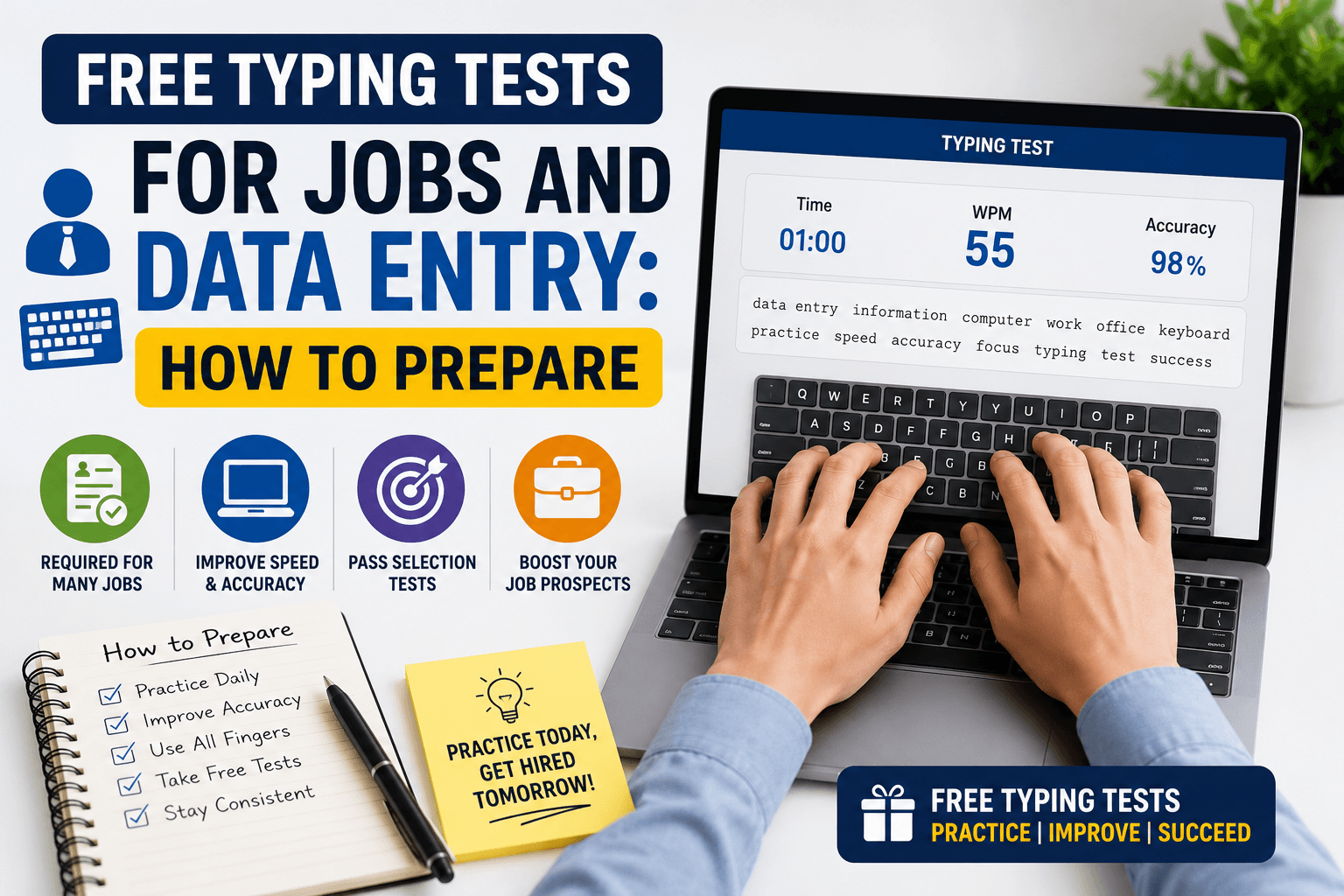
Most employment typing tests measure three things: gross WPM (raw speed), accuracy (percentage of correct characters), and net WPM (gross WPM adjusted for errors). Some tests use a strict net WPM formula where each error reduces the score by a fixed amount (often 1 WPM per error). Others present a gross WPM and a separate accuracy percentage, requiring you to meet both thresholds — for example, 55 WPM and 95% accuracy simultaneously.
Test duration is typically three or five minutes for standard office roles, though some employers use one-minute tests for initial screening and longer tests for verification. The text used varies: some tests use random paragraphs, others use job-specific vocabulary (medical terms, legal language, alphanumeric codes for data entry). Knowing the test format in advance allows you to practice in conditions that mirror the real assessment.
A practical week-by-week practice plan
Week 1 — Establish your baseline: Take a 5-minute test on Medium difficulty every day and record your results. Do not try to push speed in this phase — just get an honest picture of where you are starting. By the end of week 1 you will have a stable baseline WPM and accuracy figure. Week 2 — Build accuracy: Set a strict personal rule that you will not proceed if accuracy drops below 95%. Slow down as much as necessary to hold that threshold. This phase feels frustrating but is the most important investment in the entire plan. Accuracy improvements unlock speed improvements that feel natural rather than forced.
Week 3 — Add volume: Extend your daily practice from 10 minutes to 20 minutes. Add a 1-minute test as a warm-up and end each session with a 5-minute test as your benchmark. Note the WPM from the 5-minute test specifically — that is your employment-relevant number. Week 4 — Simulate test conditions: Practice at the same time of day as your scheduled assessment. Use the keyboard you will use on test day if possible. Remove distractions. Practice starting the test cold (no warm-up) to simulate the real situation. By week 4 most candidates see 8–15 WPM improvement from their week-1 baseline.
Data entry typing tests: what is different
Data entry tests often include alphanumeric content — numbers, codes, and mixed data — rather than standard prose paragraphs. This changes the finger movement patterns significantly. Numbers require leaving the home row for the number row (or reaching the numpad), and special characters like hyphens, slashes, and brackets appear frequently. If the job involves data entry specifically, practice with Hard or Very Hard difficulty on TypingMonk to increase your exposure to numbers and less-common characters.
Some data entry roles test ten-key (numeric keypad) speed separately, measured in keystrokes per hour (KPH) rather than WPM. Ten-key speed is a separate skill from regular typing and requires its own dedicated practice. Standard typing tests like those on TypingMonk do not specifically target ten-key speed, so if your role requires it, supplement your practice with a dedicated ten-key tool.
On assessment day
Get a full night's sleep — fatigue measurably reduces fine motor speed and accuracy. Do a two- to three-minute warm-up test on your own device before the assessment; your hands and brain need to transition into the physical rhythm of typing before you perform at your best. Drink water and have it nearby during the test if permitted.
Read the employer's instructions carefully before starting. Note whether they measure gross or net WPM, whether you can correct errors or must move forward, and whether they use a fixed time or allow you to finish a passage. If you are taking the test remotely via a proctored platform, test your microphone and camera in advance to eliminate technical stress from the equation.
Maintaining your speed after the hire
Typing speed, like any motor skill, degrades slowly with disuse and grows with consistent use. Most professional environments provide enough daily typing to maintain — and often gradually improve — your speed once you are in the role. However, if you want to continue developing your speed deliberately, fifteen minutes of structured practice three times a week alongside your normal work is enough to push into higher tiers.
TypingMonk's Dashboard lets you set sessions without creating an account and tracks your history on-device, making it easy to continue structured practice as a background habit even after employment testing is behind you. Many users find that returning periodically to formal practice sessions — even for just a week — produces a noticeable jump that then becomes their new floor.
Put it into practice
Take a free typing test and see your WPM right now.
Comments
Sign in to leave a comment.