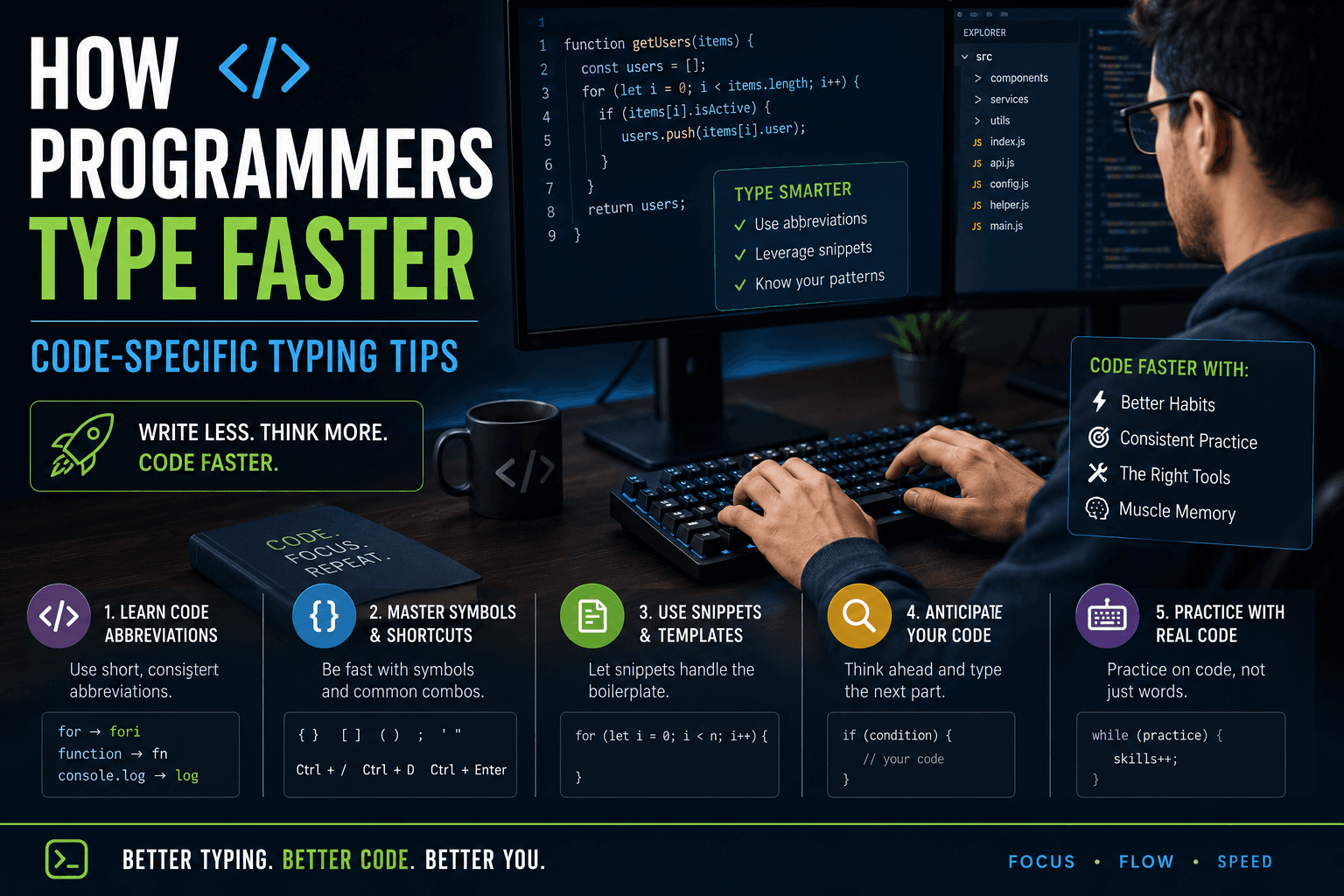
Why code typing is different from prose typing
Standard typing tests — including those on TypingMonk — measure performance on natural language prose. Code typing involves a significantly different character distribution. A typical prose paragraph uses almost exclusively alphabetic characters and common punctuation. A typical code file uses frequent curly braces, square brackets, semicolons, parentheses, colons, angle brackets, underscores, and numbers — characters that require leaving the home row or using the shift key. The WPM benchmarks for prose do not translate directly to code writing speed.
Additionally, programming involves significant non-typing cognitive work: reading documentation, thinking through logic, reviewing previous lines, and debugging. Many experienced developers estimate that they spend 20–30% of their programming time actually typing new characters. This means that even a dramatic typing speed improvement — say, from 50 WPM to 80 WPM on prose — has a modest effect on overall programming productivity. The more significant typing bottlenecks in programming are often keyboard shortcuts and editor efficiency rather than raw character input speed.
Symbol-heavy character sets and how to practice them
The characters most commonly used in programming but rarely in prose — { } [ ] ( ) ; : = + - _ / \ < > | & and @ — are all reachable but require shift keys, finger stretches to the number row, or both. Most typing test platforms, including TypingMonk on Hard and Very Hard difficulty, include some of these characters in their passages. For targeted practice, running tests on Hard or Very Hard difficulty increases exposure to symbols and uncommon alphanumeric combinations.
A specific exercise for programmers: type common code constructs (if/else blocks, function declarations, JSON structures) from memory or from a text file as a pseudo-test. This is not a formal WPM test but builds the specific muscle memory for symbol combinations that prose tests do not cover. The objective is not speed but correct finger placement for each symbol — are you using the right shift key (opposite hand to the character key) for every uppercase letter and symbol?
Keyboard shortcuts as the real programming multiplier
For most programmers, the largest typing speed multiplier is not WPM on character input but proficiency with editor keyboard shortcuts. A developer who knows 50 essential VS Code or Vim commands can navigate, select, duplicate, and transform code several times faster than one who uses a mouse for everything — regardless of their raw typing WPM. Actions that require three to five mouse clicks and a moment of visual searching can become single key combinations executed in under a second.
High-impact shortcuts include: multi-cursor editing (selecting multiple instances of a word and editing them simultaneously), line movement (moving entire lines up/down without cut-paste), quick file navigation (opening files by name without using the explorer tree), symbol search (jumping to any function or variable by name), and find-and-replace with regex. Learning five new shortcuts per week and using them deliberately until they become automatic is a higher-ROI investment than most raw typing drills for a professional developer.
VIM, Emacs, and keyboard-centric editors
Vim and its derivatives (Neovim, vi) represent the extreme end of keyboard-centric editing: a modal editing system where cursor movement, text selection, deletion, and transformation are performed entirely through keyboard commands without leaving the home row. Professional Vim users can navigate and edit code at speeds that seem impossible to mouse-based users — but learning Vim has a steep initial curve and typically requires 20–40 hours before it becomes more efficient than a conventional editor.
For programmers who invest in Vim fluency, the combination of high typing WPM and Vim motion efficiency produces a compounded productivity advantage. Many competitive programmers and system engineers use Vim as their primary environment. However, modern editors like VS Code with Vim keybinding extensions offer a middle ground — Vim-style navigation with the accessibility of a modern IDE's feature set. Whether to invest in Vim depends on your willingness to tolerate a productivity dip during learning and your long-term commitment to keyboard-first workflows.
Optimal keyboard choice for programmers
Programmers tend to have strong preferences about keyboard hardware. The common thread in popular programming keyboards is a full or tenkeyless layout (retaining the function row and arrow keys for debugging shortcuts), quality mechanical switches that support hours of daily use, and often programmable layers that allow custom shortcut placement. 60% keyboards — popular in gaming — omit the function row and navigation cluster, which creates friction for development work unless the programmer is comfortable with layer-switching.
The programmer-specific keyboard layout Programmer Dvorak places frequently-used programming symbols in optimized positions, particularly numbers and special characters. QWERTY users who do primarily programming work might also consider whether a standard layout with remapped layers achieves similar goals with less relearning. The keyboard decision for programmers should optimize for hours-per-day comfort, symbol reachability, and shortcut ergonomics — not just WPM on prose benchmarks.
Put it into practice
Take a free typing test and see your WPM right now.
Comments
Sign in to leave a comment.